Price-Based Spend Discounts allow merchants to reward shoppers when their merchandise subtotal reaches specific spending thresholds. Unlike quantity-based BOGO offers that require specific item counts, price-based rules reward customers based directly on cart currency value.
1. Create a Price-Based campaign
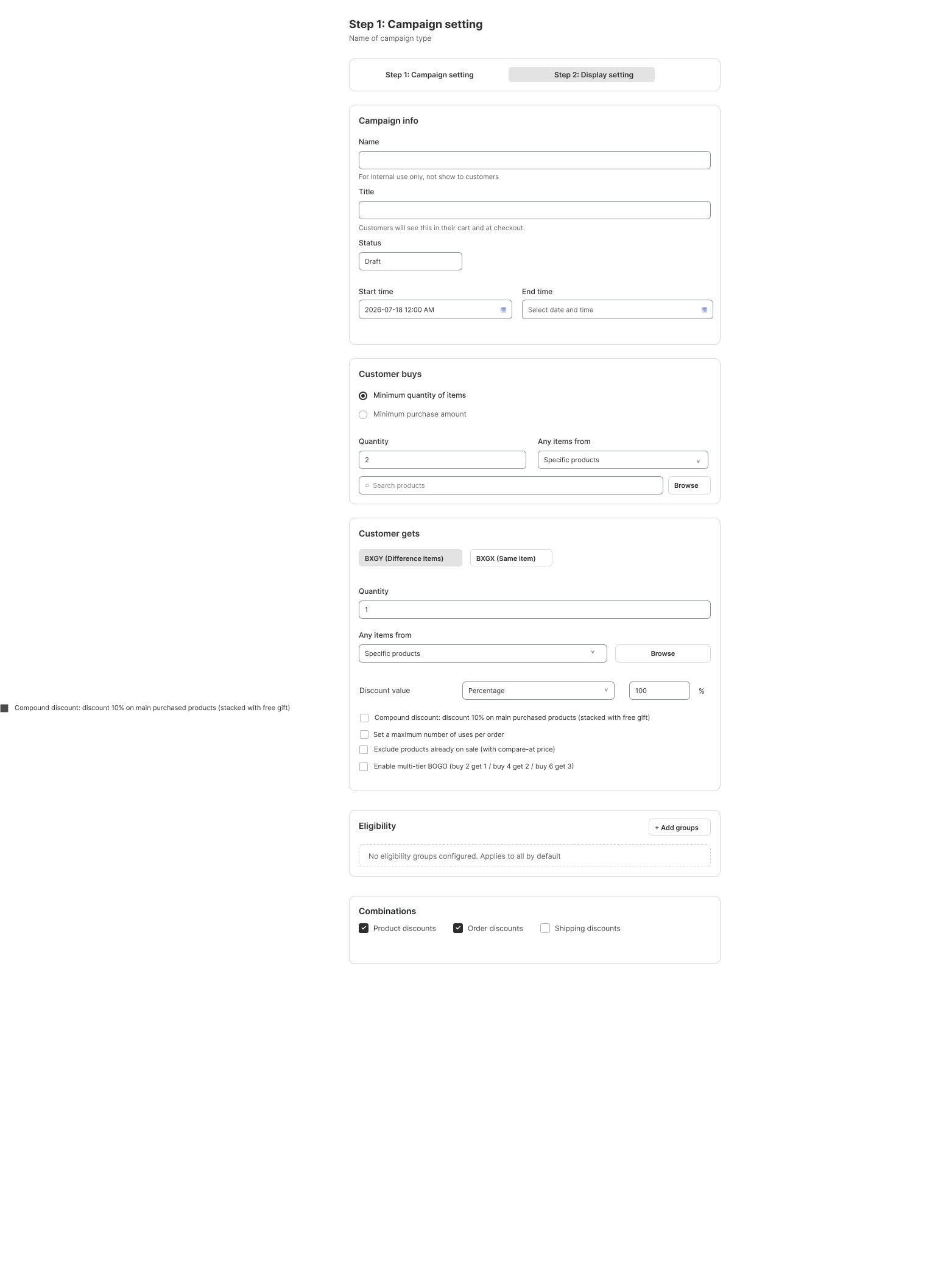
- In app admin, click Create Campaign and select Price-Based Discount.
- Enter an internal Campaign Name and customer-facing Title for checkout display.
- Choose the Activation Method: Automatic discount (applies automatically when threshold is met) or Discount Code.
- Define the start date and optional end date with time zone confirmation.
2. Define spending tiers and rewards
- Under Customer Spend, enter the minimum merchandise subtotal required for Tier 1 (e.g., $100).
- Specify the reward: Percentage Off or Fixed Amount Off.
- To encourage higher order volume, click Add Tier to define Tier 2 (e.g., Spend $200 → Get $25 off) and Tier 3.
- Confirm whether the discount applies to the Entire Order or is restricted to Selected Collections/Products.
3. Configure completion helpers & progress messaging
Keep shoppers informed of their progress toward the next reward tier by enabling cart progress copy. In the Display Settings tab, customize messages for two key states: Before requirement met (e.g. “Add {remaining} more to unlock $10 off!”) and Qualified (e.g. “You unlocked $10 off! Add {next_remaining} to get $25 off!”).
4. Test combinations & checkout calculations
- Test an order with items totaling exactly $1 below the threshold (e.g., $99) to ensure no premature discount fires.
- Add an item to cross the milestone and verify the discount line appears in the checkout order summary.
- If you combine price-based promotions with shipping discounts, verify both discounts stack harmoniously according to your Combination rules.
Related resources
Related guides: Check our Tiered Volume Discounts guide for item-based tiers, and review Discount Combination Rules.
Note: Interface controls and screenshots are for reference and may vary slightly depending on your active Shopify theme and app version.